
EASY FILEVINE DATA MANAGEMENTGoVine for Clients
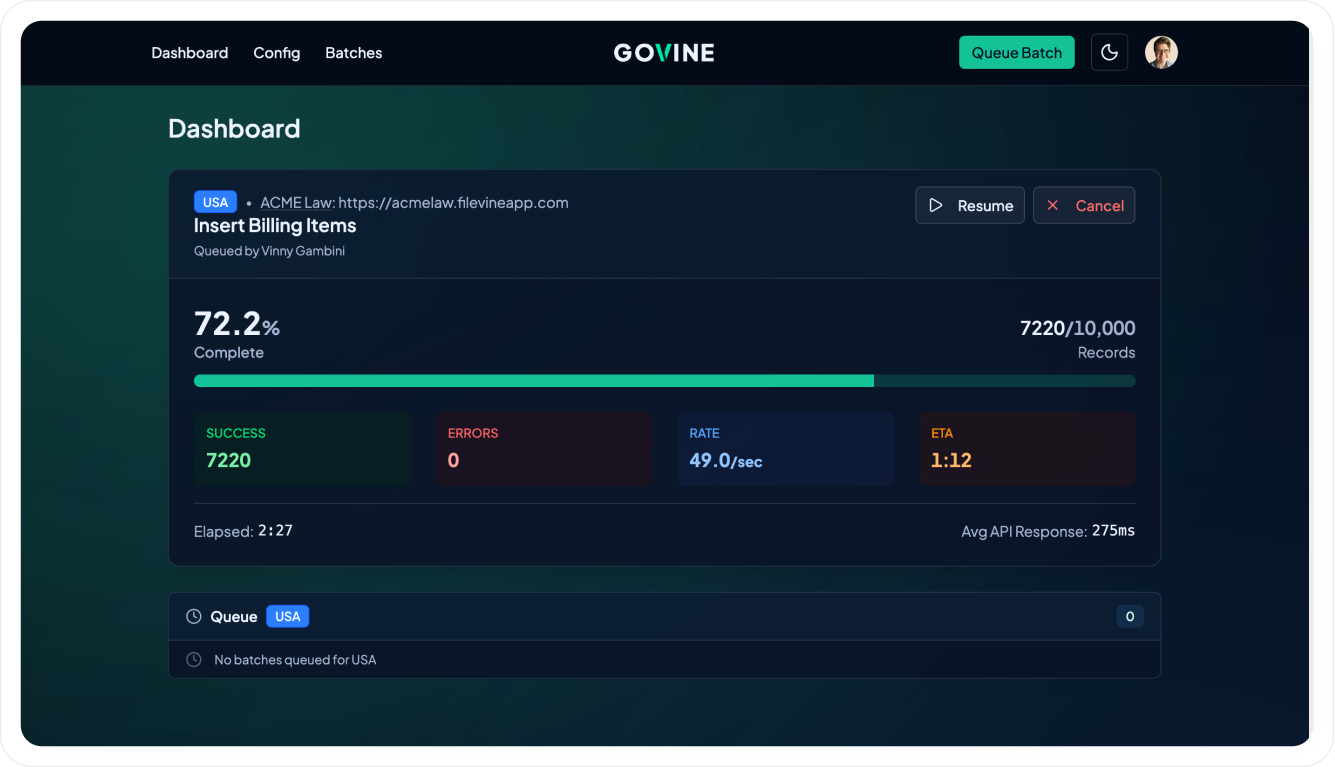
A new suite of self-serve tools that can be used by clients directly to import, bulk update, and organize data in Filevine.
Ways to use it
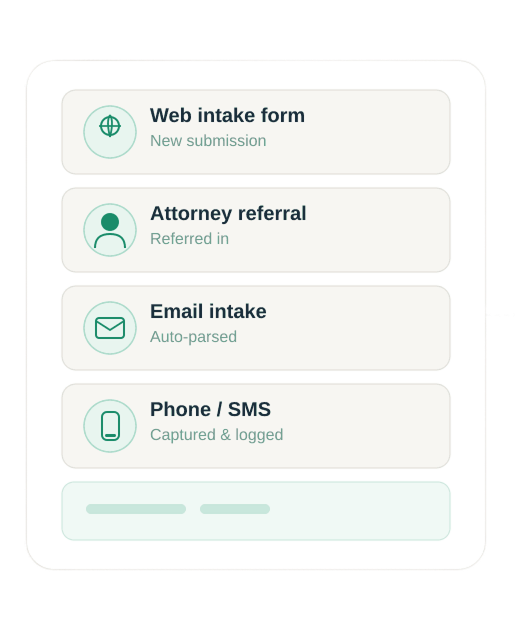
Seamless Data Import
Bring everything into Filevine — projects, fields, contacts, billing, and more.
Bulk Edit with Ease
Make mass updates outside the platform and sync your changes back instantly.
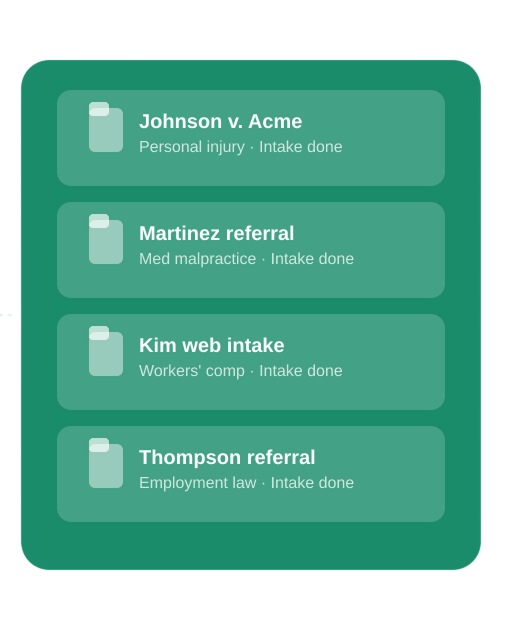
Effortless Case Migration
Quickly bring in referred cases or changes to mass tort cases without the manual work.
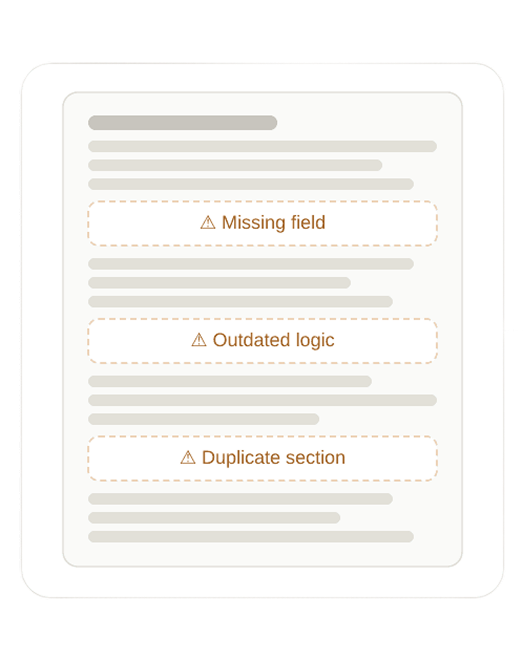
Streamline Your Data Structure
Cut the clutter by removing outdated fields and sections to keep your platform running at its best.

and import the changes with GoVine.

HOW IT WORKSGoVine has been used by 100+ legal teams to update over 12 million items in Filevine.
Hosting
Each client has their own secure instance of GoVine hosted on Amazon in the same region as Filevine, making things extremely fast.
Client accounts
Client accounts are provisioned via the client's Single Sign-On via Microsoft 365, Google Workspace, or Okta.
Filevine API
GoVine uses the Filevine API, facilitating secure access and speedy processing.
Training
Vineskills provides hands-on training to ensure your success. Most clients can use the platform independently and reach out if they have questions or need support.
Cost
There is a fixed monthly fee per Filevine tenant for up to 1 million data moves per month.
Get started with GoVine
Once you’ve submitted the form, you’ll be able to immediately book a time with our GoVine expert so we can chat about your import needs and get you started.