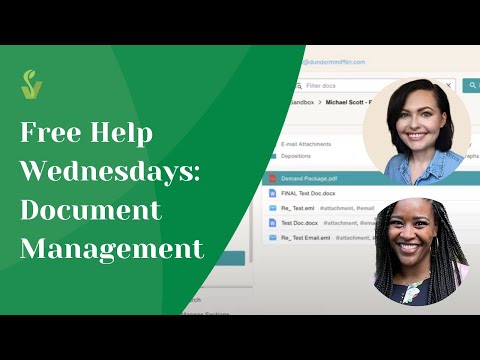
#TipTuesday: Filevine Docs Section Tips and What Changes with New Project Docs
This week's Tip Tuesday from Optimizer Alex covers how to navigate the 'Use New Project Docs' toggle in your Docs section. Turn it on and you'll get drag-and-drop folder reordering, new columns for filtering by uploader, sender, recipient, tags, and dates, and a clear prompt anytime you move or copy a file. Quick reminder: move cuts the file and relocates it with its metadata intact, while copy duplicates it as a new, independent file.
Previous
[Webinar Replay] From Manual to Automated: Real Filevine + Zapier Workflows for Legal Teams
Next